RFC 9309 Explained: The Robots.txt Standard Every SEO Should Actually Read
Avinash Chandran · SEO Specialist
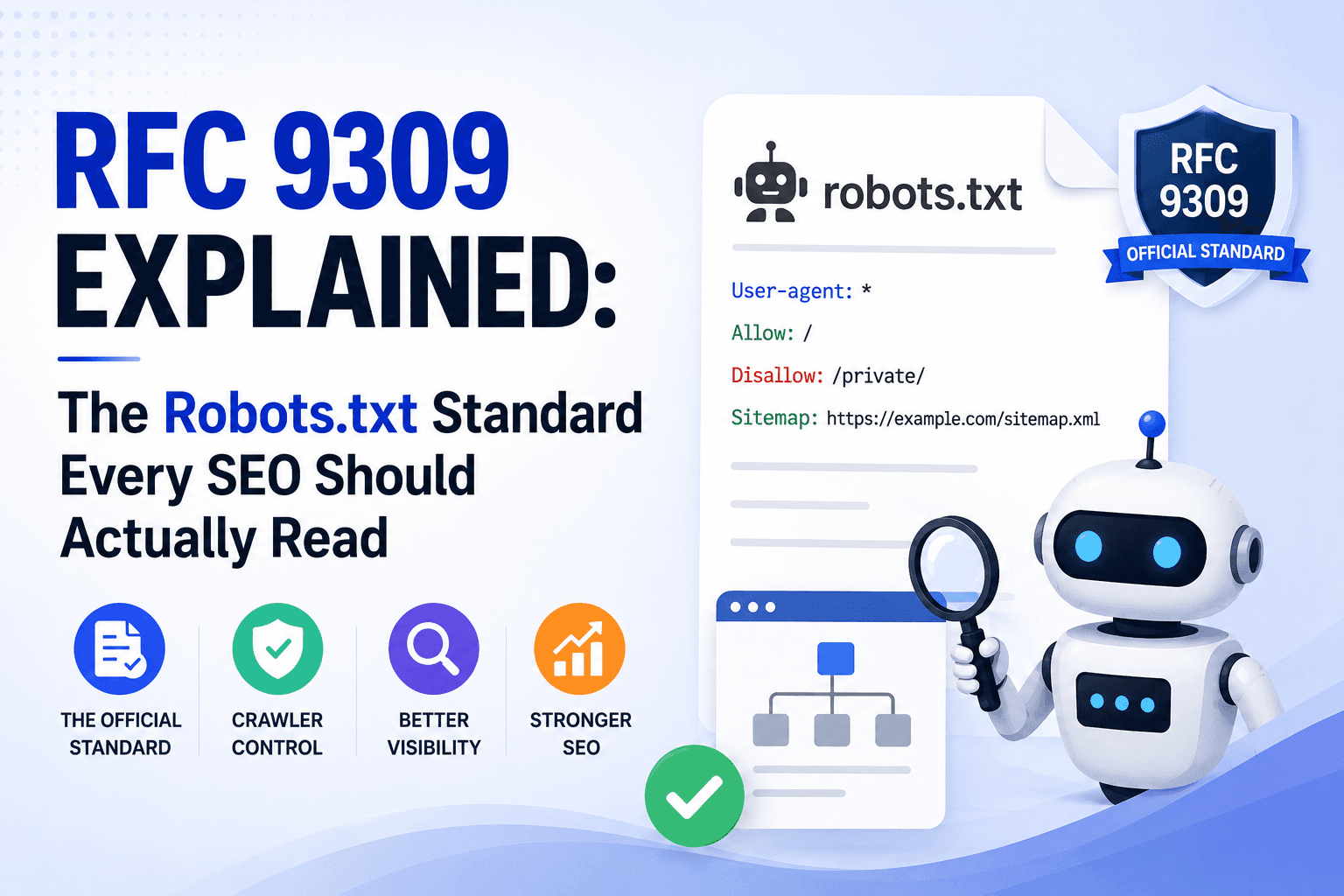
For nearly 30 years, robots.txt was just a gentleman’s agreement. Martijn Koster proposed it in 1994, everyone adopted it, but no standards body ever formally defined it. There was no official spec for how crawlers should parse the file, what happens when the server returns a 500, or how wildcard matching works.
In September 2022, the IETF (Internet Engineering Task Force) published RFC 9309, making the Robots Exclusion Protocol an actual Internet Standard. Co-authored by Martijn Koster himself alongside Gary Illyes, Henner Zeller, and Lizzi Sassman from Google.
This matters because it finally pins down the exact rules crawlers are expected to follow. And it clarifies several things that SEOs have been guessing about for years.
What is RFC 9309?#
RFC 9309 is the first and only formal standard for robots.txt. Everything before it was convention. If you want to understand how compliant crawlers should behave, this is the source document.
Before this RFC, different crawlers interpreted robots.txt differently. Google had its own documented behavior, Bing had its own, and smaller crawlers were all over the place. Now there is one reference that says “this is how it works.”
The Structure of a robots.txt File#
The RFC defines two building blocks: groups and rules.
A group is one or more user-agent lines followed by one or more rules (allow or disallow lines). A group ends when the parser hits the next user-agent line or the end of the file.
# Group 1: Rules for all crawlers
User-agent: *
Disallow: /admin/
Disallow: /private/
Allow: /admin/public-page.html

# Group 2: Rules for a specific bot
User-agent: GPTBot
Disallow: /

# Group 3: Multiple bots, same rules
User-agent: Googlebot
User-agent: Bingbot
Disallow: /staging/

# Group 4: Empty group = allow everything
User-agent: FriendlyBot
That last group is interesting. An empty group with no rules implicitly allows everything. The RFC defines this explicitly. It is not a mistake or an edge case.
User-Agent Matching Rules#
Crawlers identify themselves using a product token. This is the value they look for in the user-agent line. Matching is always case-insensitive. Here is the matching priority:
| Scenario | What Happens |
|---|---|
| Specific match exists | Crawler uses the rules from that matching group. If multiple groups match the same token, they get merged into one group. |
No specific match, but * exists | Crawler falls back to the wildcard * group. |
No match and no * group | No rules apply. Crawler has full access to everything. |
Here is the part most people miss: if you have two separate groups for the same bot (say, two User-agent: Googlebot blocks), they do not override each other. The RFC says they get merged. All rules from both groups apply together. You cannot “reset” a bot’s rules with a second block lower in the file.
Allow vs. Disallow: Longest Match Wins#
This is the single most important rule in the entire spec, and the one I see SEOs get wrong the most. It is not “first match wins.” It is not “last match wins.” It is longest match wins.
The crawler compares the URI path against all allow and disallow patterns in the applicable group. Whichever pattern matches the most characters (most octets) is the one that applies.
| Rules in robots.txt | URL Being Checked | Result | Why |
|---|---|---|---|
Disallow: /Allow: /blog/ | /blog/my-post | ✅ Allowed | /blog/ is 6 characters, / is 1 character. Longer match wins. |
Allow: /page/Disallow: /page/private.html | /page/private.html | 🚫 Blocked | /page/private.html (19 chars) beats /page/ (6 chars). |
Allow: /aDisallow: /a | /about | ✅ Allowed | Same length = tie. The RFC says allow wins ties. |
| (no rules in group) | /anything | ✅ Allowed | No matching rules = default allow. |
One more detail people miss: /robots.txt itself is always implicitly allowed. You cannot block crawlers from accessing the robots.txt file using the robots.txt file.
Special Characters#
The RFC formalizes three special characters that most SEOs already use but might not know the exact rules for:
| Character | What It Does | Example |
|---|---|---|
* | Matches zero or more of any character (including /) | Disallow: /dir/*/private |
$ | Anchors the end of the pattern. Only matches if the URL ends exactly there. | Disallow: /*.pdf$ |
# | Starts a comment. Everything after it on the same line is ignored. | Allow: /public/ # safe to crawl |
User-agent: *

# Block all PDF files sitewide
Disallow: /*.pdf$

# Block URLs with query parameters
Disallow: /*?*

# Block a pattern across subdirectories
Disallow: /category/*/feed/
If you need to match a literal * or $ character in a URL, you percent-encode it: %2A for * and %24 for $.
HTTP Status Codes: What Happens When robots.txt Fails#
This is the section of the RFC that genuinely surprised me. Most SEOs assume “if robots.txt is missing, crawlers just crawl everything.” That is only half the story. The behavior changes completely depending on why the file is unavailable.
| Status | HTTP Codes | Crawler Behavior | What This Means for You |
|---|---|---|---|
| 🟢 Success | 2xx | MUST follow rules | Normal. Crawler downloads and obeys the file. |
| 🔵 Redirect | 3xx | SHOULD follow up to 5 redirects | Crawler follows redirects, even across domains. Rules apply in the context of the original host. |
| 🟡 Unavailable | 4xx | MAY access any resource | A 404 robots.txt = open door. No restrictions at all. |
| 🔴 Unreachable | 5xx | MUST assume full disallow | Server errors mean the crawler backs off entirely. Nothing gets crawled. |
Read that table again. A 404 (file not found) and a 500 (server error) trigger opposite behaviors. A 404 means “no rules exist, crawl freely.” A 500 means “something is broken, stop crawling.” If your server is intermittently returning 500s on /robots.txt, compliant crawlers will temporarily stop crawling your entire site.
The RFC also has a grace period for extended outages. If the server keeps returning 5xx for around 30 days, crawlers may switch to treating it as unavailable (4xx behavior, meaning open access) or fall back to a cached copy.
Caching, Redirects, and File Size Limits#
Caching#
Crawlers can cache your robots.txt and should respect standard HTTP cache headers (Cache-Control, max-age, etc.). But the RFC adds one constraint: do not use a cached version for more than 24 hours, unless the file is unreachable. So if you update your robots.txt, expect compliant crawlers to pick up the changes within a day.
Redirects#
Crawlers should follow at least 5 consecutive redirects, even across different domains. If site-a.com/robots.txt redirects to site-b.com/robots.txt, those rules apply back to site-a.com. After 5 redirects, crawlers can treat the file as unavailable.
File Size Limits#
The RFC says parsers must handle at least 500 KiB (512,000 bytes). Anything beyond that can be ignored. If your robots.txt is bloated with thousands of disallow lines, crawlers can legally ignore everything past the 500 KiB mark.
Sitemaps and Other Records#
The Sitemap: directive is not formally part of the Robots Exclusion Protocol itself. The RFC says crawlers may interpret other records like Sitemap:, but they are not required to. Crucially, a Sitemap: line does not break the group structure. It is treated as passthrough content.
User-agent: *
Disallow: /admin/

# Sitemap lines can go anywhere, they don't break groups
Sitemap: https://example.com/sitemap.xml
Sitemap: https://example.com/sitemap-news.xml
What RFC 9309 Does Not Cover#
This is as important as what it does cover. A lot of what SEOs think of as “robots rules” has no formal standard at all.
| ✅ Covered by RFC 9309 | ❌ Not Covered (No Standard) |
|---|---|
| robots.txt file format | meta robots tags (noindex, nofollow) |
| User-agent matching | X-Robots-Tag HTTP header |
| Allow / Disallow rules | Crawl-delay directive |
Wildcard patterns (* and $) | noarchive, nosnippet, max-snippet |
| HTTP status code handling | AI-specific crawl controls |
| Caching behavior | Sitemap: directive (optional only) |
| File size limits (500 KiB) | Page-level indexing directives |
The meta robots tag, X-Robots-Tag header, and all the noindex/nofollow directives you use daily are still just Google-documented conventions that other engines happen to follow. Gary Illyes has drafted an extension (draft-illyes-repext) to formalize these, but as of now, it has not progressed to RFC status.
The Security Warning Most SEOs Ignore#
The RFC makes this explicit: robots.txt is not security. Listing Disallow: /admin/ does not protect that directory. It actually does the opposite. It tells anyone reading your robots.txt exactly where your admin panel lives. Any malicious actor, or any non-compliant bot, can and will ignore the disallow.
If you need to actually restrict access, use HTTP authentication, server-level access controls, or proper authorization. Robots.txt is a polite request, not a locked door.
Quick Reference#
| Rule | What the RFC Says |
|---|---|
| Match priority | Longest match wins. On a tie, allow beats disallow. |
| Duplicate groups | Same bot in multiple groups = rules get merged, not overridden. |
| 404 robots.txt | Open access. No restrictions. |
| 500 robots.txt | Full block. Crawlers must back off entirely. |
| Cache limit | Cached robots.txt should refresh within 24 hours. |
| File size | 500 KiB minimum parsing. Keep it lean. |
| Sitemaps | Optional. Crawlers are not required to read Sitemap: lines. |
| Security | Robots.txt is a request, not access control. Never rely on it for protection. |
Related Articles
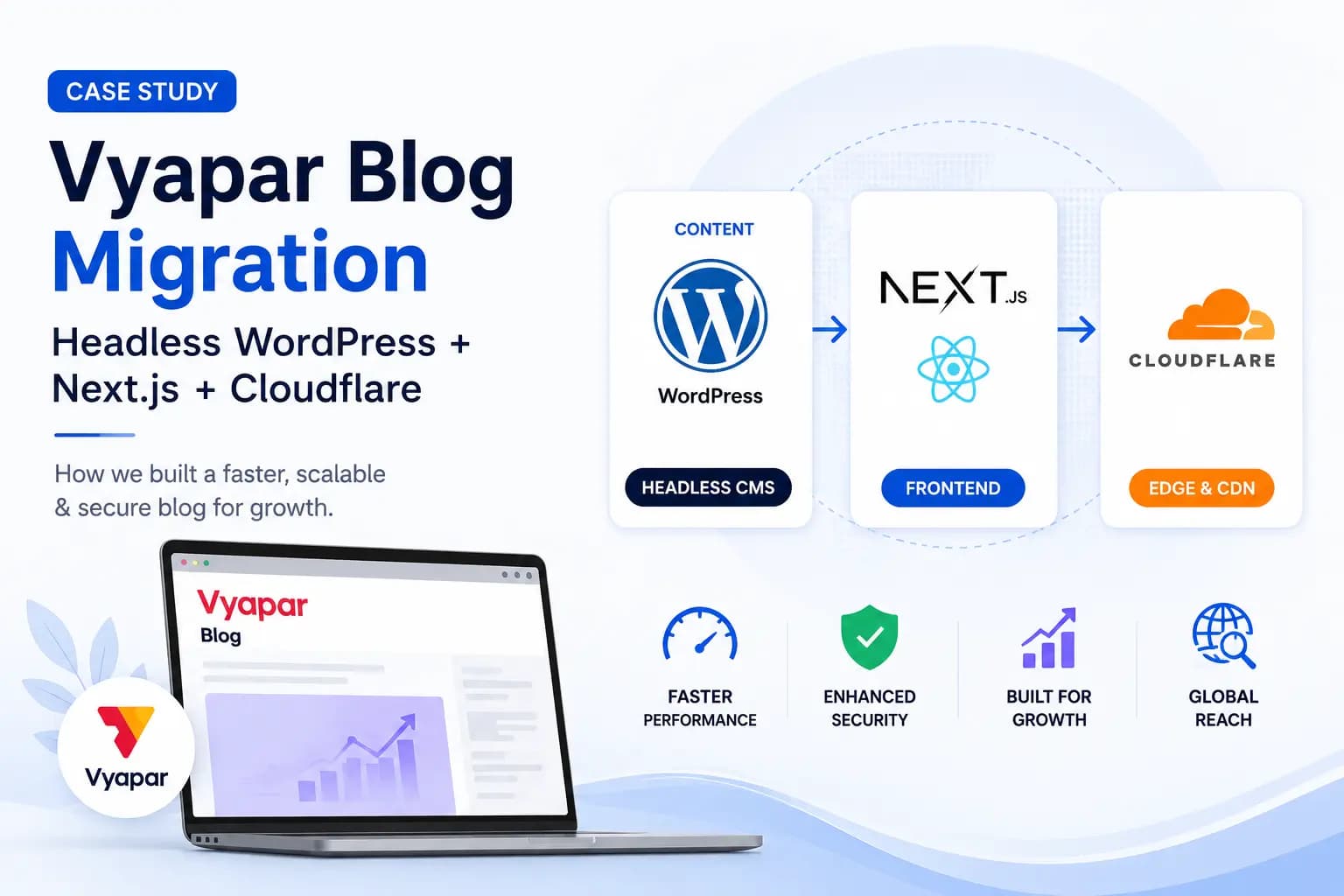
Vyapar Blog Migration Case Study: Headless WordPress + Next.js + Cloudflare
Vyapar’s blog was running on traditional WordPress. Fully server-rendered, every page request hitting the WP server, and a mobile Performance score of 33 on PageSpeed Insights. LCP was sitting at 7.8 seconds. I owned the migration to a headless WordPress setup end to end. WordPress stays as the CMS backend. Marketing still creates and edits […]
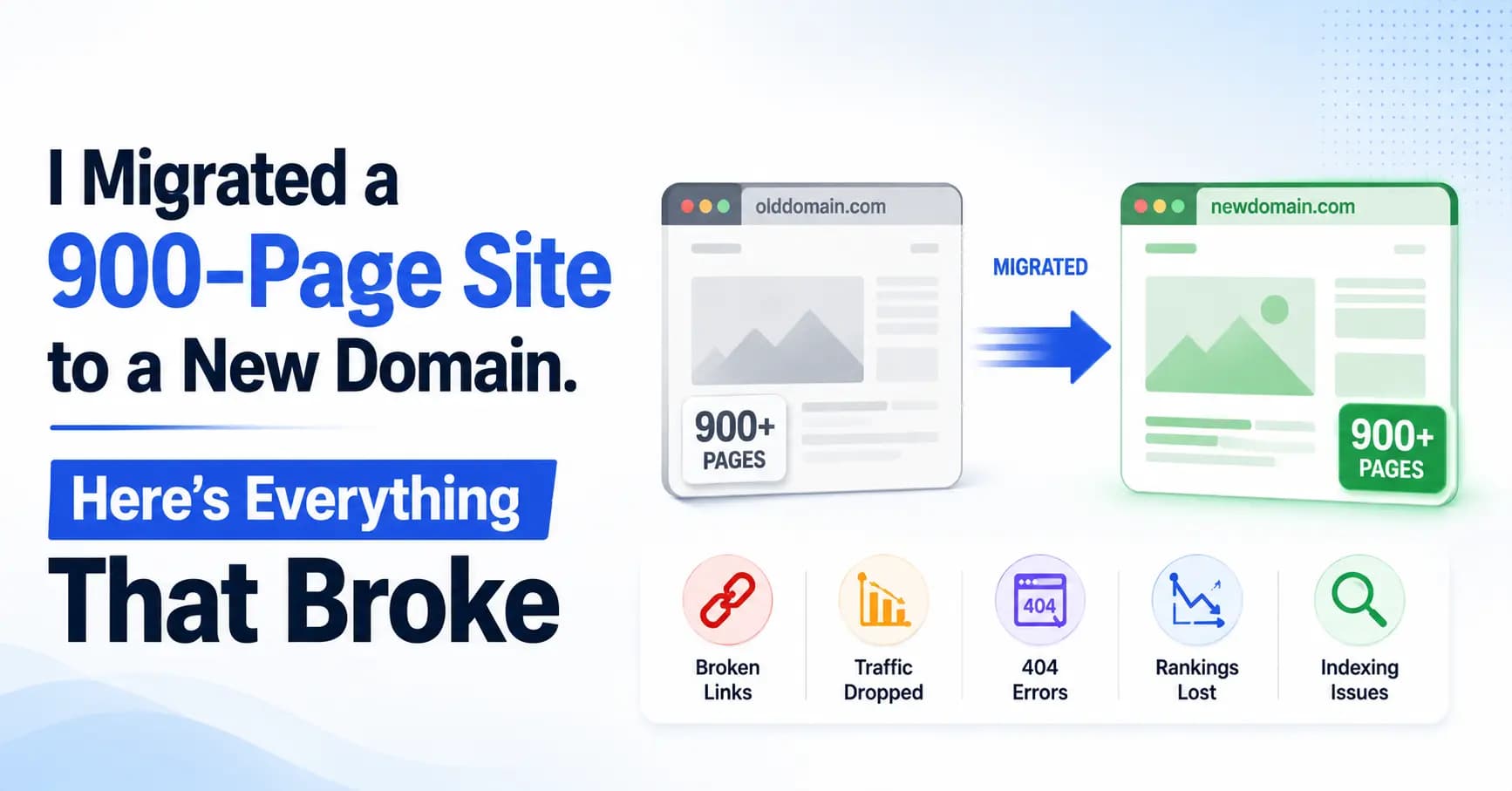
I Migrated a 900-Page Site to a New Domain. Here’s Everything That Broke.
In December 2025, I migrated an entire product site from its own domain to a subdomain under a parent brand. suvit.io became taxone.vyapar.com. 900+ pages. Full rebrand. New DNS, new CDN, new tracking, new Search Console property. Seven months later, the site is recovering and trending upward. But the migration surfaced problems I didn’t expect, […]